Tutorial11.11.2026· 7 min
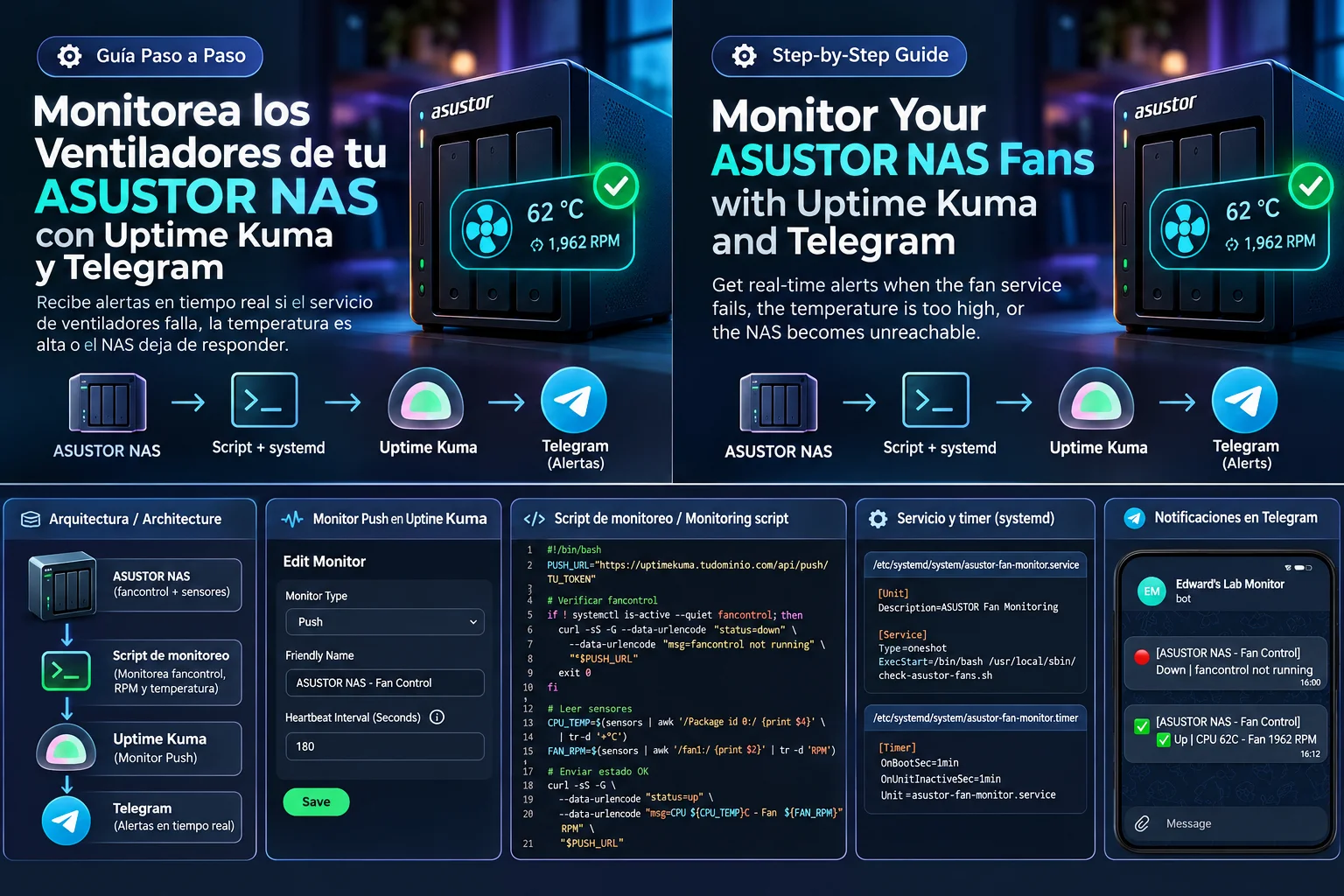
Monitor Your NAS Fans with Uptime Kuma, systemd, and Telegram
Monitor fancontrol, fan RPM, and CPU temperature on your NAS with automatic Telegram alerts using a Bash script and a systemd timer.
EL Edward LopezIntermedio
Showing: Homelab · Clear filters ×
Monitor fancontrol, fan RPM, and CPU temperature on your NAS with automatic Telegram alerts using a Bash script and a systemd timer.
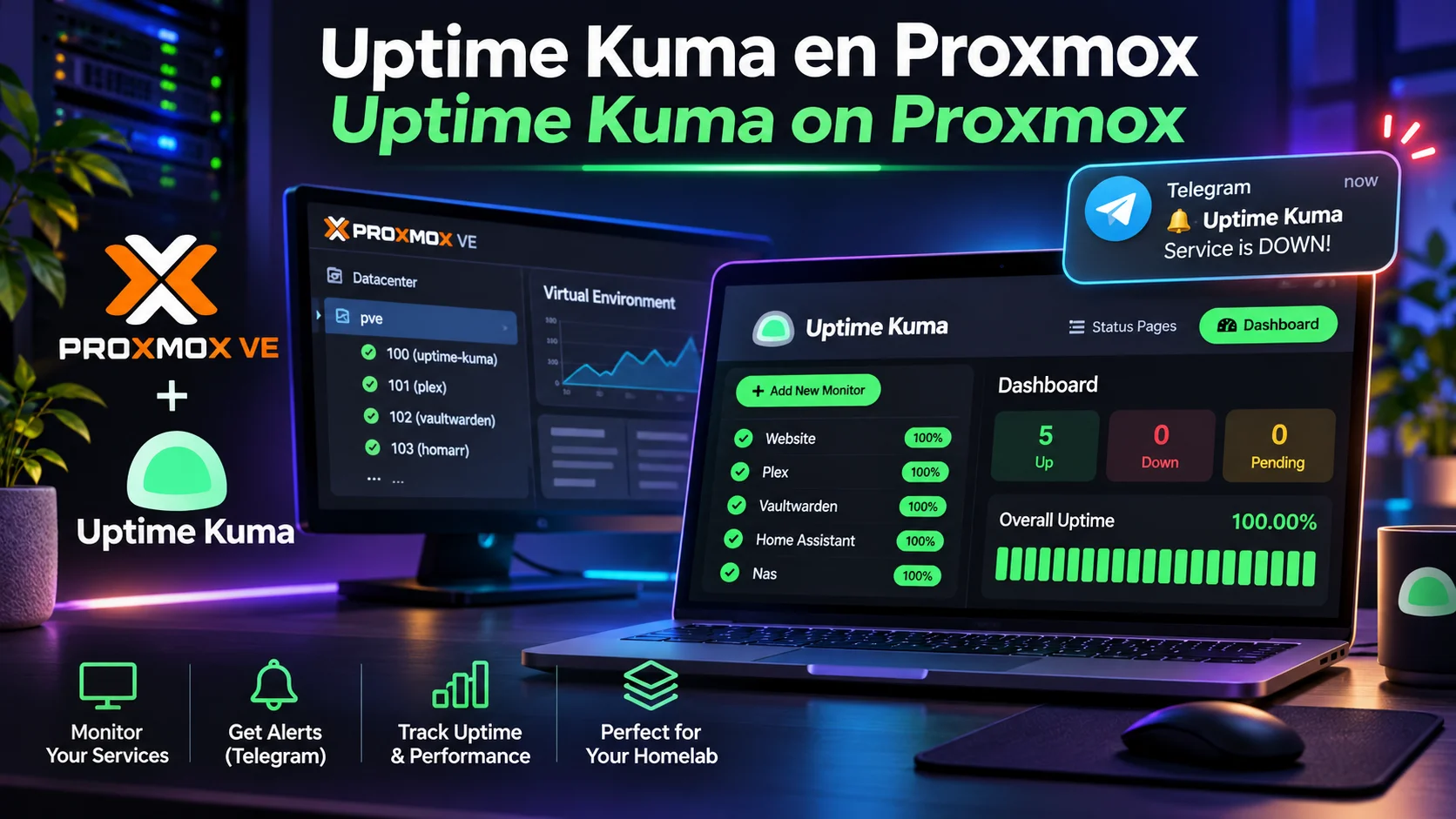
Learn how to install Uptime Kuma in a Proxmox VE LXC using Proxmox VE Community Scripts, add service monitors, check HTTPS certificates, and receive Telegram alerts.
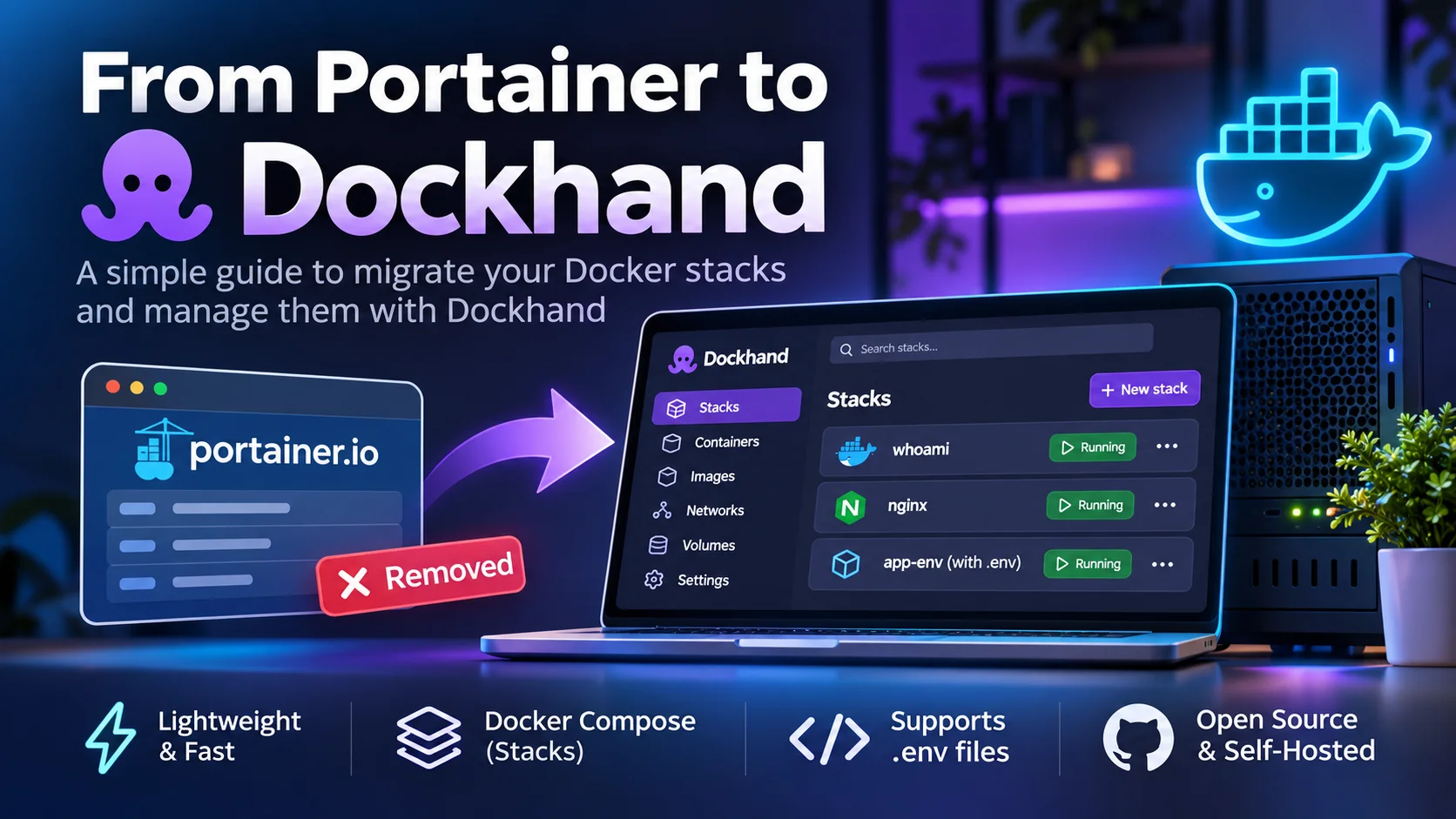
Learn how to migrate your Docker containers and Compose stacks from Portainer to Dockhand without losing configurations or data. A step-by-step guide covering practical examples, .env files, persistent volumes, and redeployment tests to ensure a safe and successful migration.
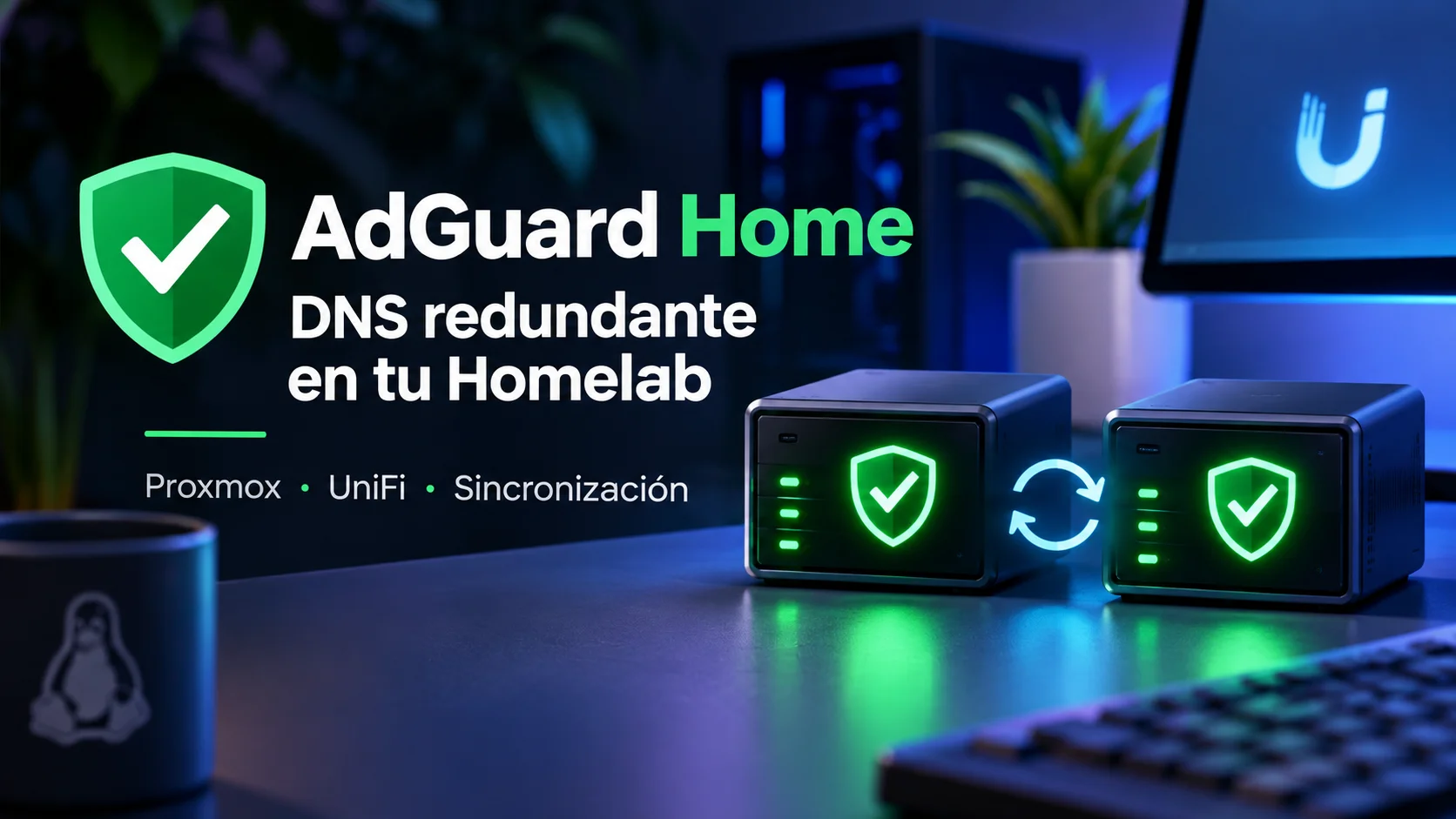
How I deployed two independent AdGuard Home servers on separate Proxmox nodes, synchronized their configurations with AdGuard Home Sync, and configured UniFi to provide redundant DNS across multiple VLANs. Includes DNS over HTTPS, balanced filtering, real-world performance tests, and troubleshooting tips.
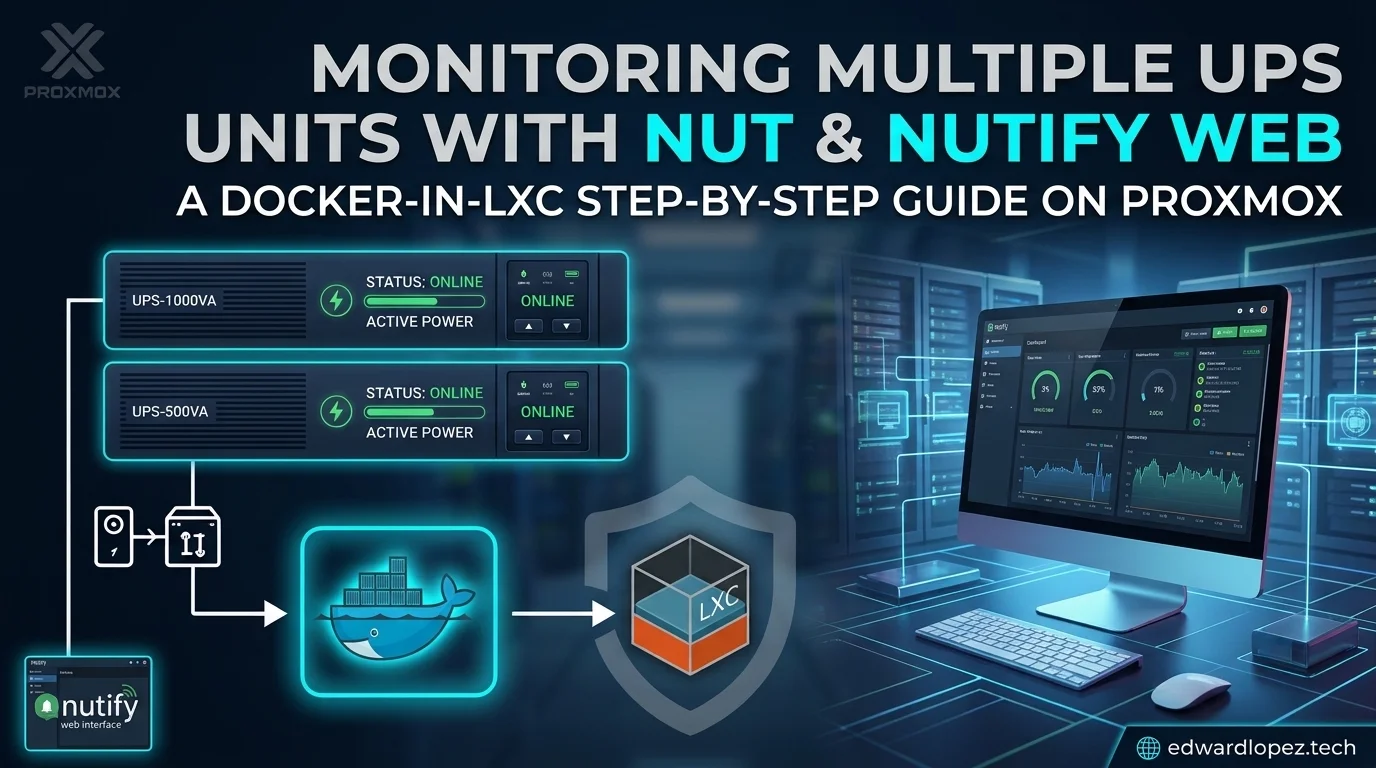
Learn how to configure and deploy Nutify in a Docker container nested within a Proxmox LXC to monitor multiple CyberPower UPS units via USB, while resolving `libusb` permission issues.
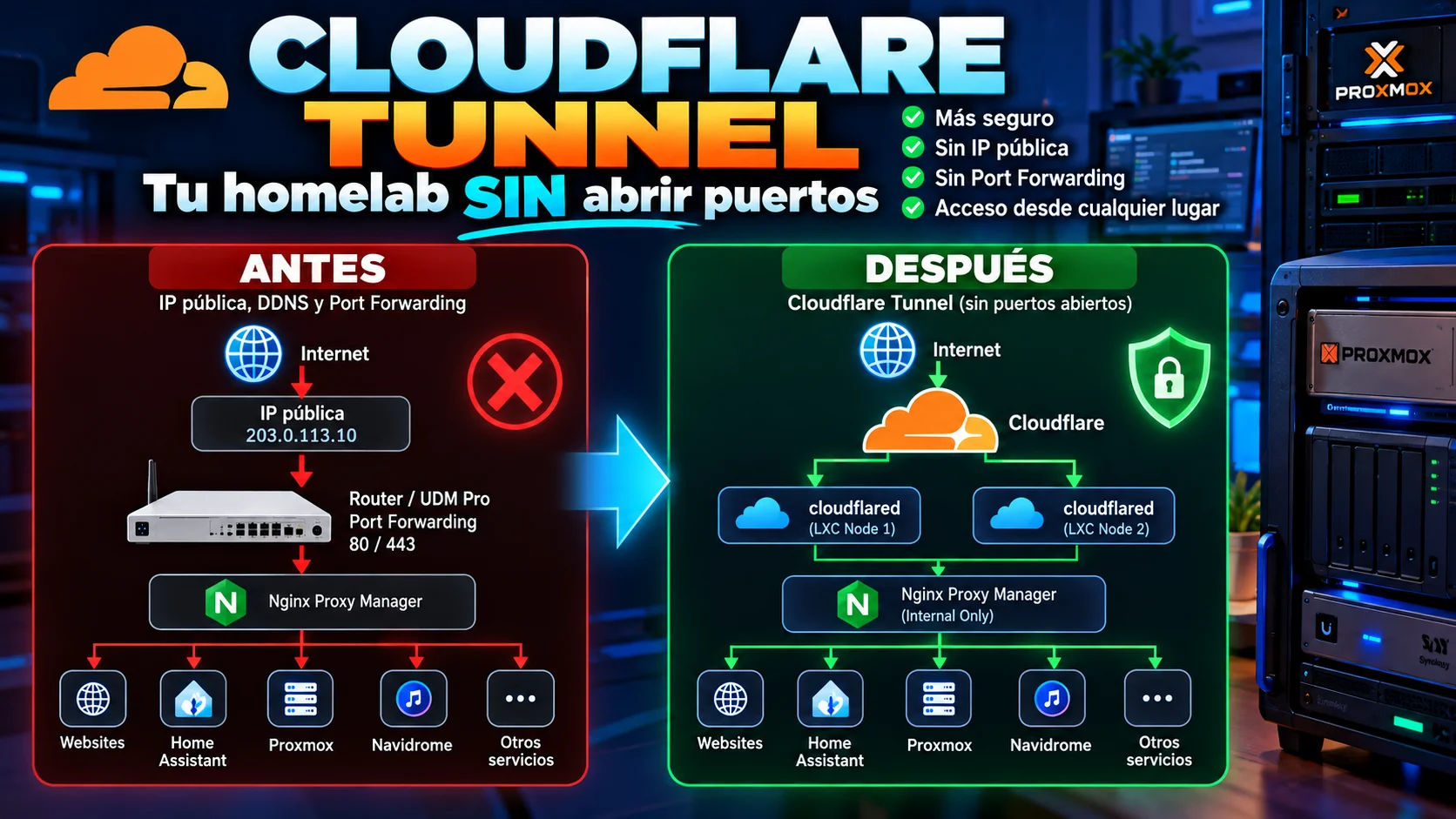
Learn how to securely publish your homelab using Cloudflare Tunnel, Proxmox, and Nginx Proxy Manager—without opening ports or relying on a static public IP address.